Vocal Splitter
Split a song into vocals and instrumental with Demucs v4. Listen to both tracks and save each as a separate file.
Split your songHear the split
Same 24 seconds · Switch at any point
California Lullabye by Josh Woodward, CC BY 3.0 US. Excerpt separated with Demucs Standard.
8 one-time trial credits · No card needed · Uploads auto-deleted
From one song to two files
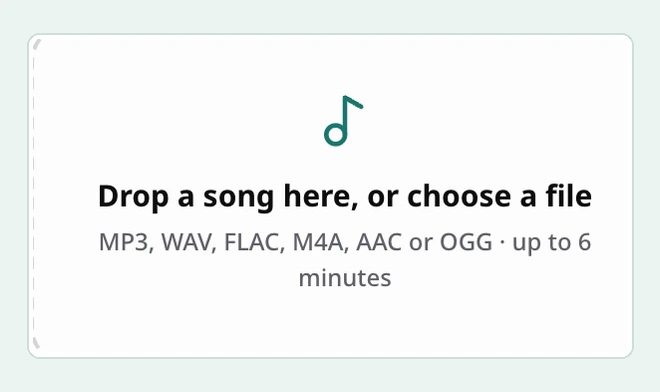
Choose a song
Drop in a file you have permission to process.
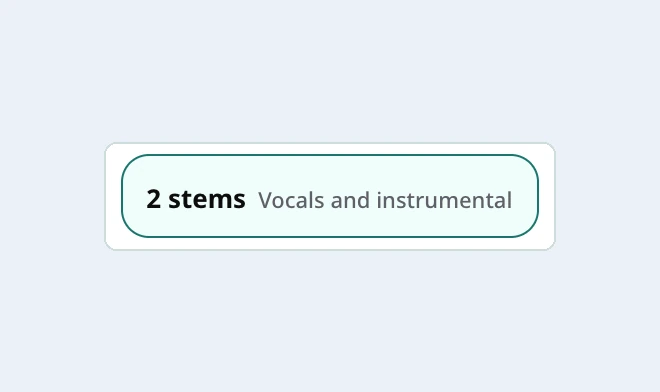
Run a two-track split
Sign in and leave 2 stems selected for vocals and instrumental.
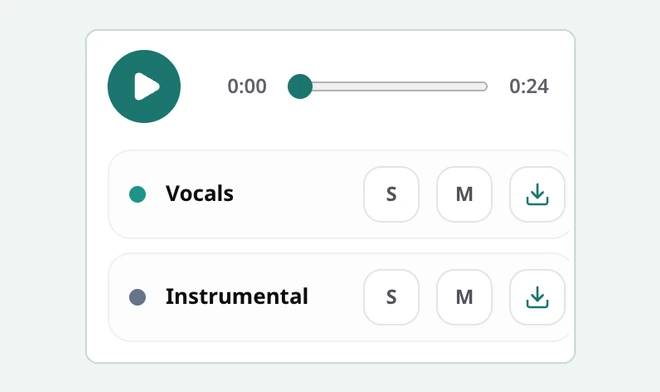
Preview and save
Solo either track to check it, then download each MP3 separately.

Use both sides of the split
- Remix the vocal
- Keep the original backing as a timing reference while you try a new beat.
- Rehearse over the backing
- Learn the phrasing from the isolated vocal, then sing over the instrumental.
Set up the two tracks in your editor
Line up the files
Import the vocal and instrumental at the same start point. Keep any leading silence on both files so entrances and drum hits stay aligned.
Check two spots
Solo the vocal in a loud chorus to check for drum or guitar bleed. Then solo the instrumental just after a sung line to check for lingering words or echo.
Keep a timing reference
For a remix, mute the original backing once you have aligned the new beat. For rehearsal, mute the vocal and bring it back whenever you need to check a phrase.
When is a second split worth it?
Keep 2 stems selected in either model. Compare the same few seconds at the same listening volume before choosing which pair of tracks to keep.
| Model | When to use it | Credits |
|---|---|---|
| Standard | Start here for a first pass. Keep it if both stems sound good in your edit. | 3 |
| Best Quality | Try it if you can point to a distracting word, echo or missing instrument in the first result. | 5 |
Hearing a faint voice in the backing?
Listen just after a phrase ends to check for vocal bleed.
Vocal splitter FAQ
Does a vocal splitter give me two audio files?
Yes. In 2 stems mode, Vocals contains the singing and Instrumental contains the backing track. Each has its own download. Free accounts get MP3 files.
Can I separate lead vocals from backing vocals?
Demucs groups lead vocals, harmonies and ad-libs in one vocal stem. Some doubled voices and effects can spill into the instrumental, especially on heavily layered mixes.
Is there a free trial?
Sign in with Google or verify your email for 8 one-time trial credits. Free uploads can be up to 6 minutes and 50 MB. Save free results within 24 hours.
Can I split a recording from a URL?
Upload a local audio file you have permission to process. The tool accepts files from your device.